RecycAI
Recycling rules change from city to city, so people guess and bins get contaminated. Photograph an item and this tells you whether it's recyclable where you actually live.
RecycAI was built at Macathon 2025, the hackathon the Google Developer Groups chapter runs at McMaster every year. The theme that year was Build with AI, the window was under a day, and three of us spent close to three hours of it arguing about what to make. An animated mental health chatbot was on the table, so was a sign language translator for video calls. We only got unstuck by going and asking mentors and other teams which one they thought could actually be finished, which is how we ended up on recycling. We placed sixth.
The problem is one everybody has and nobody thinks about. Recycling rules are set municipally, so the same yogurt container is blue bin in one city and garbage in the next, and when people are unsure they tend to throw it in the recycling and hope. That guess is what contaminates a load. So the product had to answer for a specific place rather than in general, and it had to answer fast enough that somebody standing over a bin would use it.
The whole thing is one page. On load it asks the browser for coordinates, sends them to Nominatim, the OpenStreetMap reverse geocoder, and fills the input with the city, province and country that come back. The field stays editable on purpose, which turned out to be the more interesting half of the demo: you can type Toronto, then Doha, then Leeds, and watch the verdict on the same object change with the city.
Taking the picture is done with the camera APIs rather than a file picker. Take Picture opens a getUserMedia video stream into a video element, and the shutter draws the current frame onto a canvas sized to the video's own width and height, then reads it back as a JPEG data URL and slices off the prefix to leave the base64. That base64 is the image. It never gets uploaded anywhere or written to disk, and the stream is stopped the moment the frame is captured.
Then there is exactly one call. The Google Generative AI client goes straight from the browser to gemini-1.5-flash with a contents array holding two parts: the inline JPEG data, and a text prompt with the user's location interpolated into it. That prompt is the actual product. It tells the model to name the object, answer yes or no for recycling bins in that specific place, explain in one sentence at a level a middle school student would follow, and reject the input if the location is not a real place. Most of our remaining time went into that string in AI Studio rather than into the code around it, because every accuracy problem we had was a wording problem.
The answer streams. Chunks arrive through generateContentStream, get pushed into a buffer, joined and re-rendered through markdown-it on every chunk, so text appears as the model produces it instead of after a blank pause. The panel behind it turns green or red by scanning the accumulated text for yes or no. That is a blunt way to classify a response and I would not ship it anywhere the wording was not already nailed down, but it works here precisely because the prompt fixes the shape of the sentence.
There is no backend. One was scaffolded on the first night, a package.json with express, cors and axios in it, and it never got a single line of code, because it became clear quickly that the browser could hold the camera, the geocode and the model call by itself. What is left is React 18 on Vite, MUI for the icons, one App component holding the location, the captured frame and the output in state, and refs for the video, the canvas and the media stream. It is deployed at recycai.ca. The honest limitation of that shape is that the model call is made from the client, so the version of this that lives past a hackathon puts the request behind a server instead of shipping the credential with the bundle.
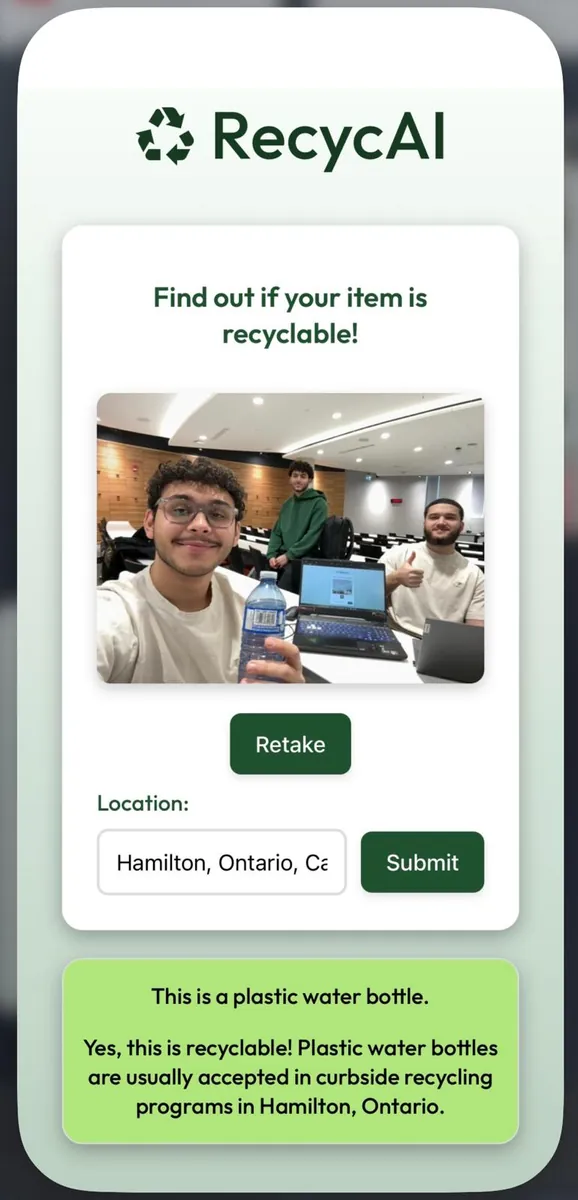
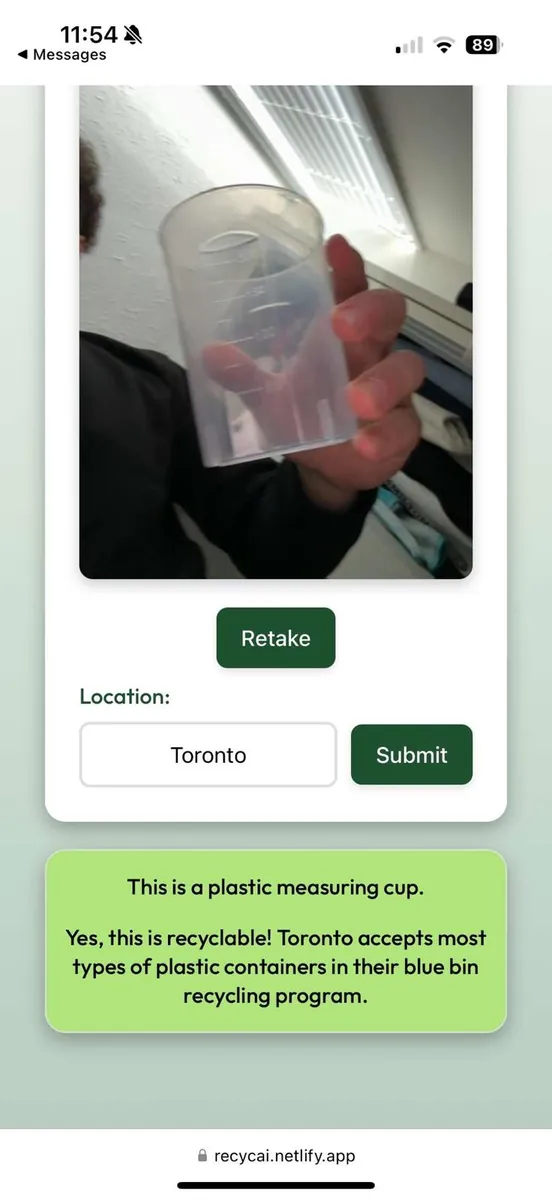
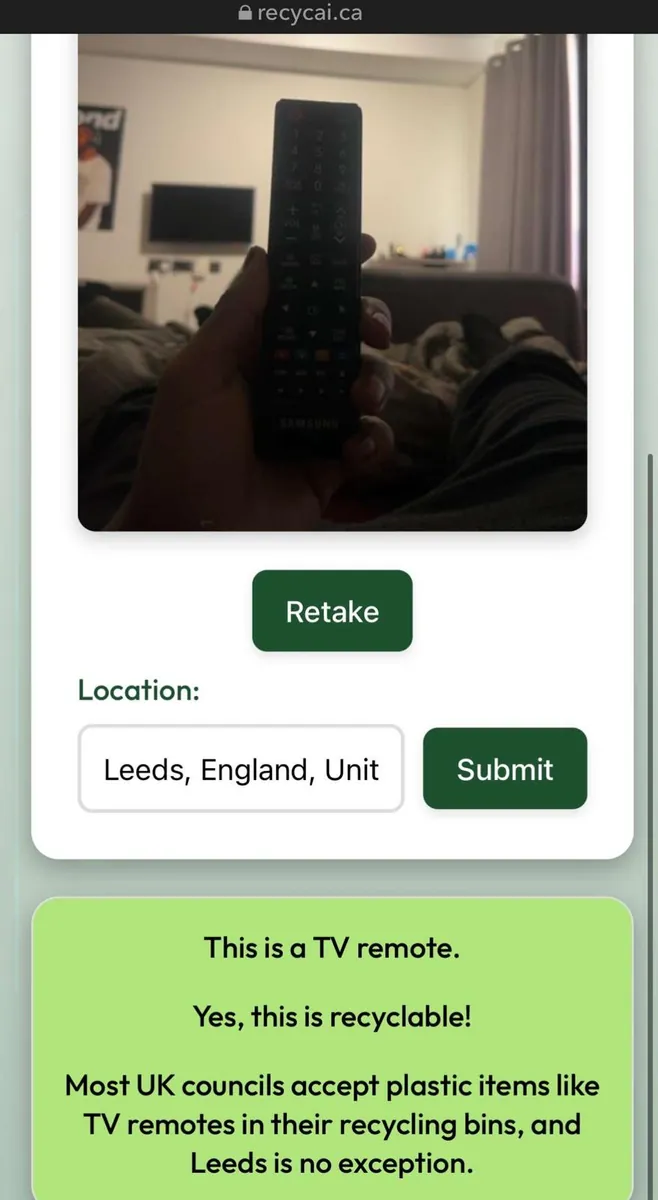
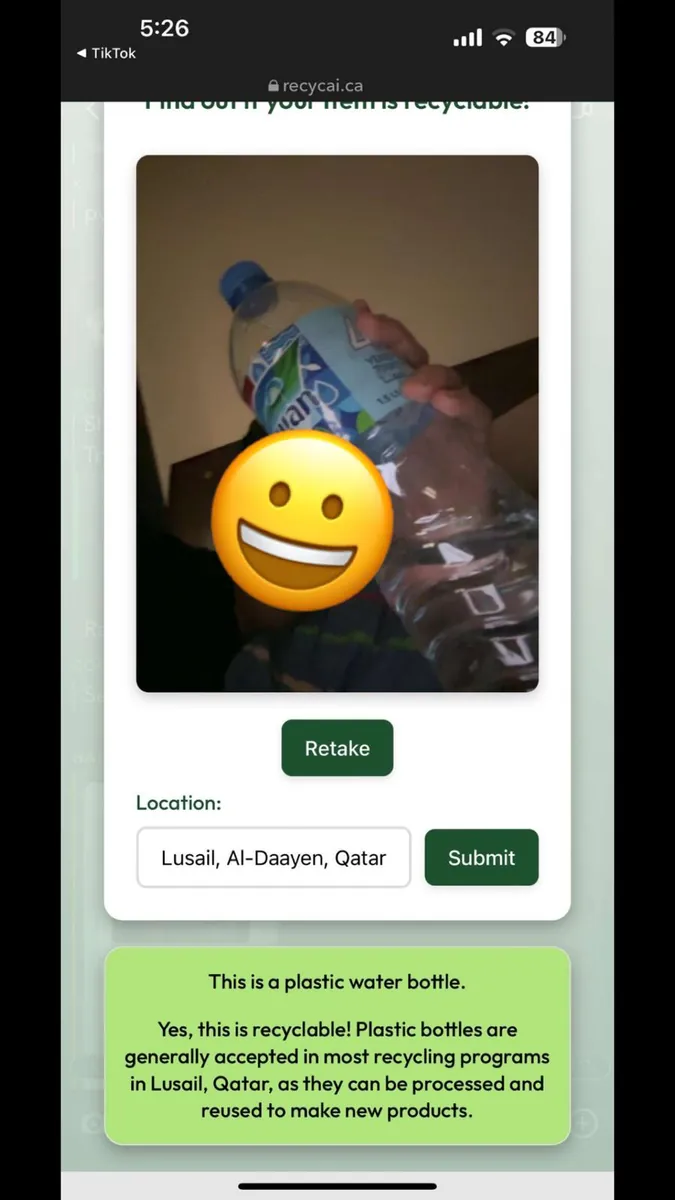
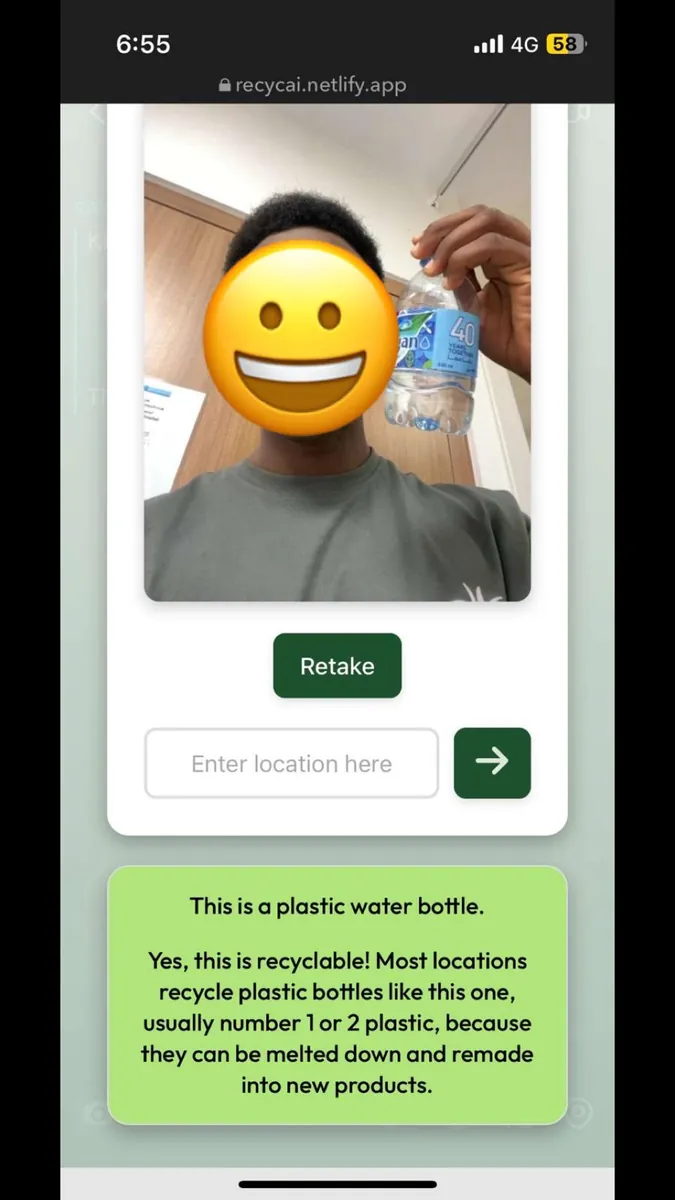
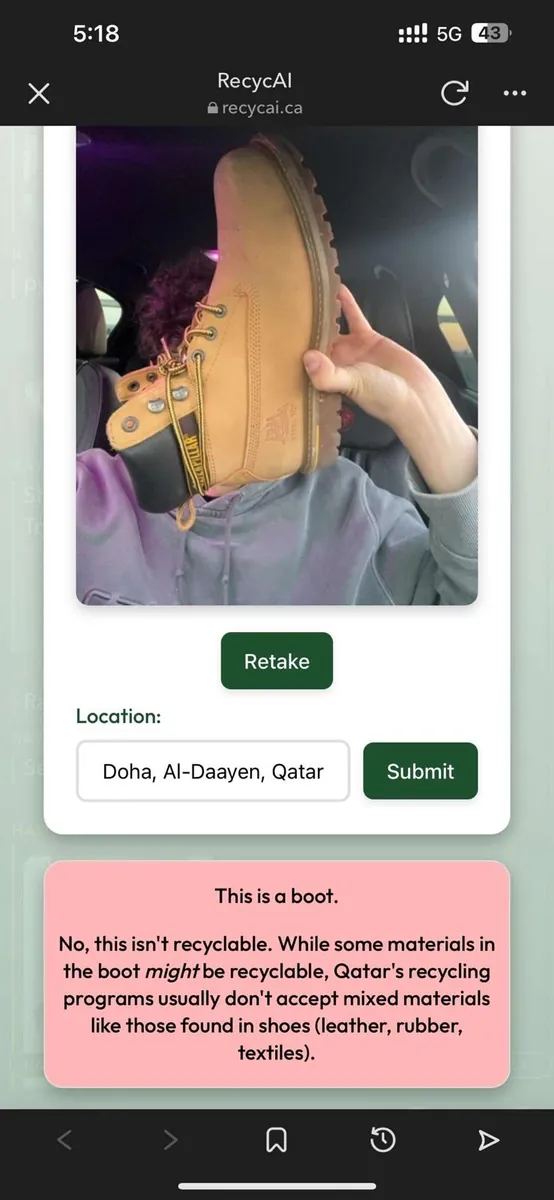
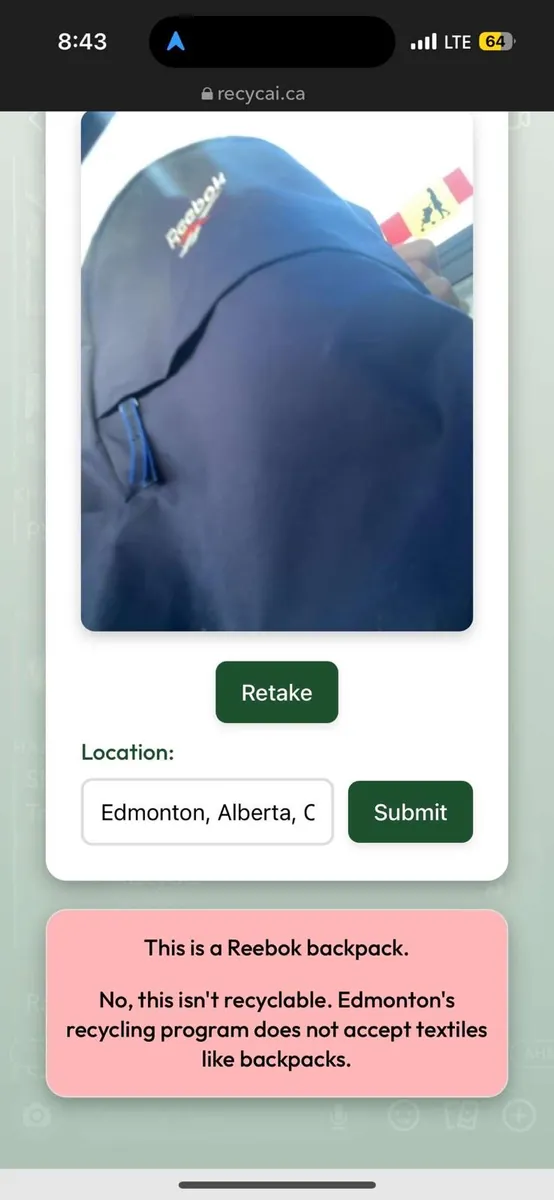
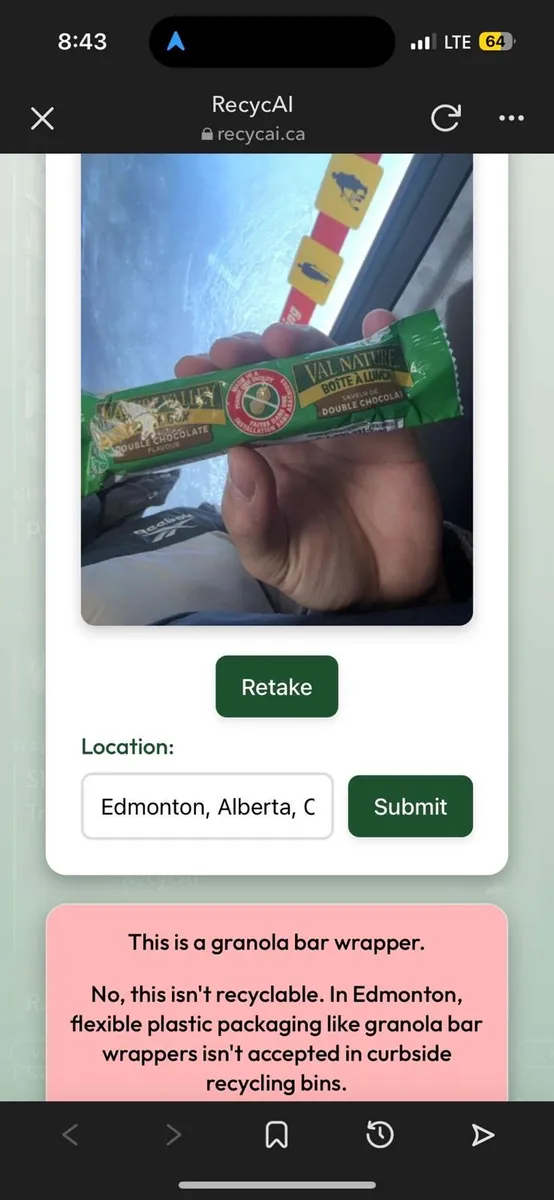
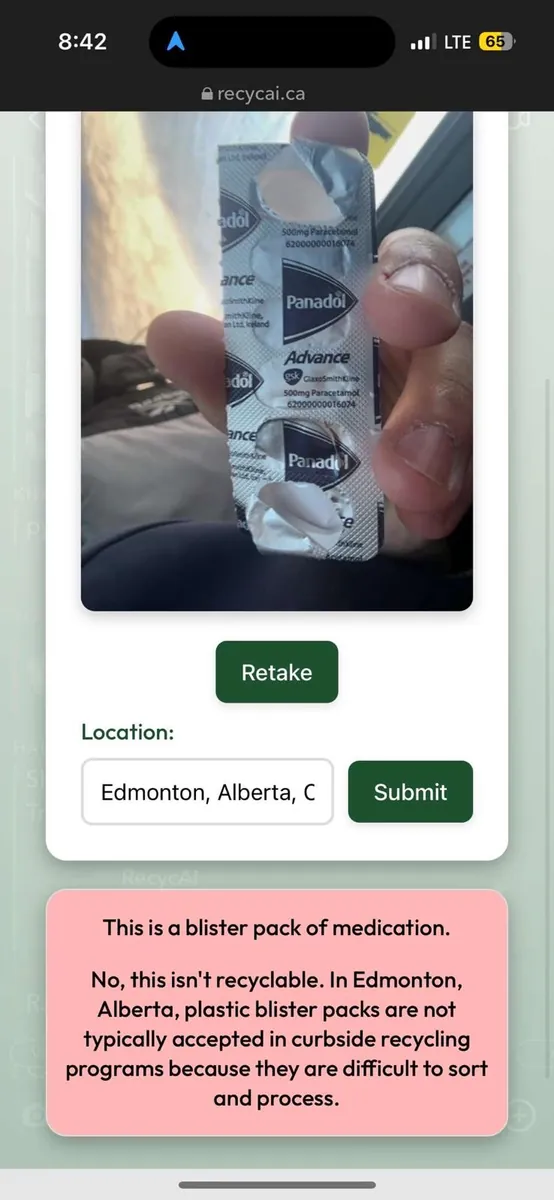
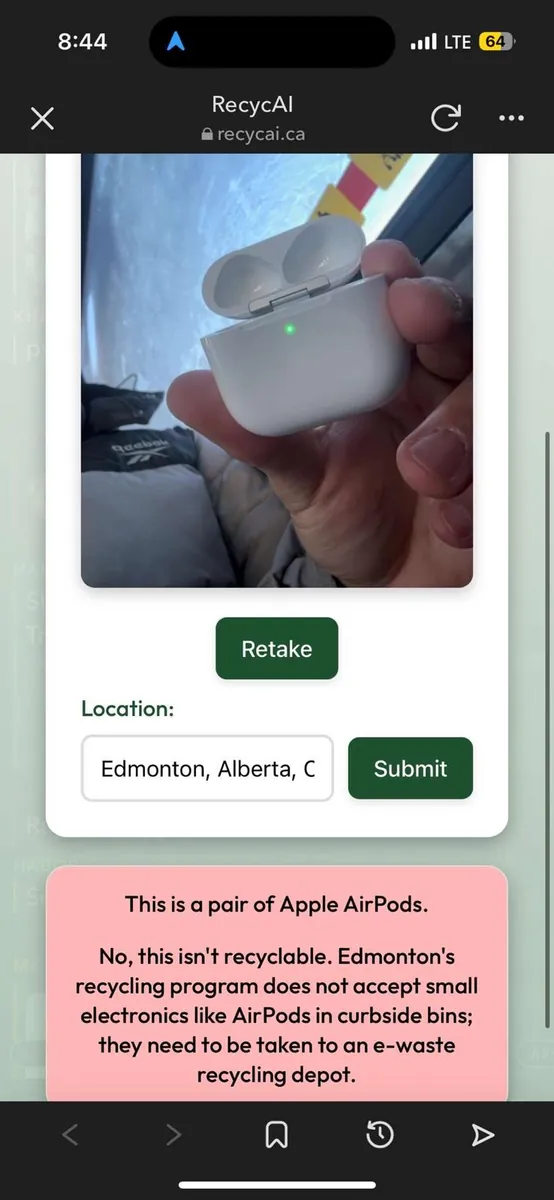
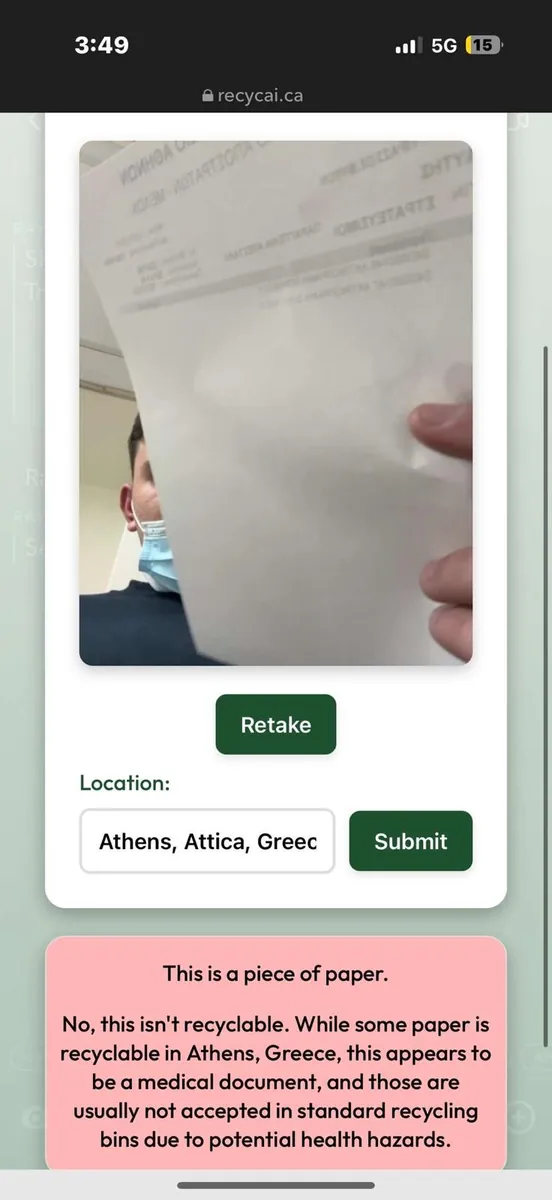
Real answers from the live site — the verdict changes with where you are, because what a city accepts changes with it.